

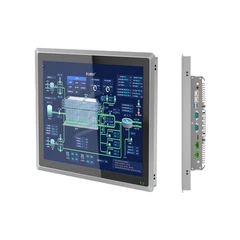
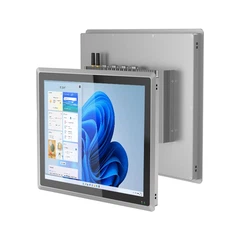
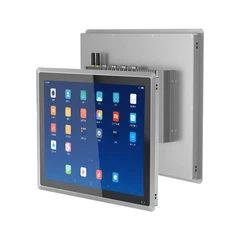
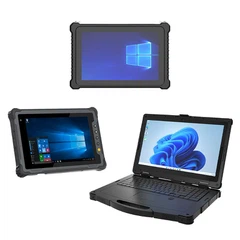









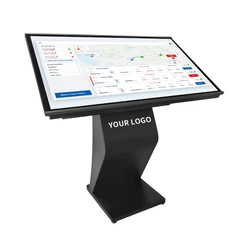

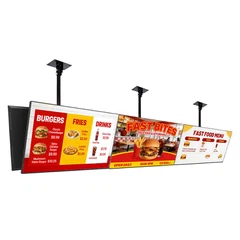


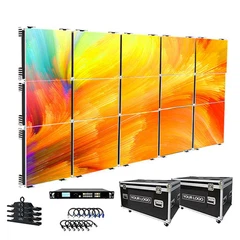

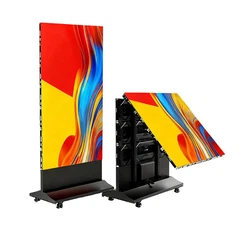



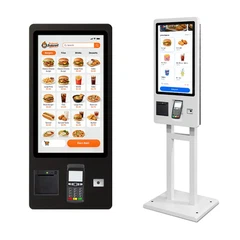
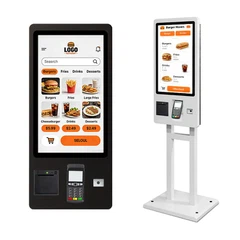
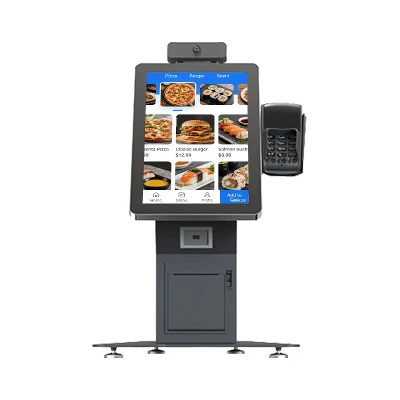



Hey there! As a supplier of Kiosk Self Service, I've seen my fair share of non - functioning kiosks. It can be a real headache, both for us as suppliers and for the end - users. But don't worry, I'm here to share some tips on how to troubleshoot these pesky issues.
1. Check the Basics
First things first, you gotta start with the basics. Is the kiosk plugged in? Sounds simple, but you'd be surprised how often this is the problem. Make sure the power cord is securely connected to both the kiosk and the power outlet. Sometimes, a loose connection can cause the kiosk to stop working.
Also, check if the power switch on the kiosk is turned on. It might seem obvious, but in a busy environment, someone could accidentally turn it off. If you're using a battery - powered kiosk, check the battery level. A low battery can lead to all sorts of problems, from slow performance to complete shutdown.
2. Look at the Display
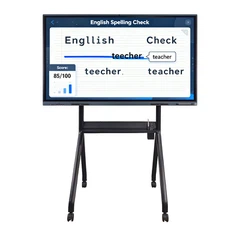
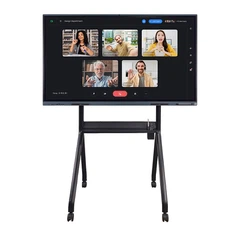
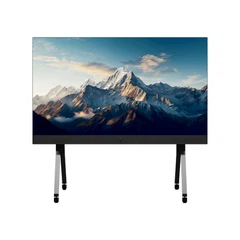
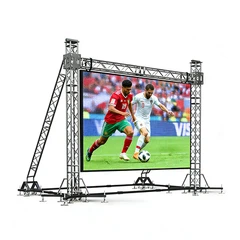
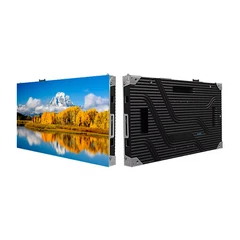
The display is one of the most important parts of a kiosk. If it's not working properly, users won't be able to interact with the kiosk. Start by checking the brightness and contrast settings. Sometimes, the display might just be too dim or too bright, making it hard to see. You can usually adjust these settings through the kiosk's control panel.
If the display is completely black, it could be a problem with the graphics card or the display itself. Try connecting an external monitor to the kiosk to see if the issue is with the display or the kiosk's system. If the external monitor works fine, then the problem is likely with the kiosk's display. You might need to replace the display or have it repaired.
3. Examine the Software
Software glitches are a common cause of non - functioning kiosks. Check if the kiosk's operating system is up - to - date. Outdated software can have bugs and security vulnerabilities that can cause the kiosk to malfunction. Most kiosks allow you to update the operating system through an internet connection.
Also, check the applications running on the kiosk. If a particular app is crashing or not working properly, it could be affecting the entire system. Try closing the problematic app and see if the kiosk starts working again. If the issue persists, you might need to uninstall and reinstall the app.
Another thing to consider is the software configuration. Make sure all the settings are correct, especially those related to user authentication, network connectivity, and data storage. Incorrect settings can lead to all sorts of problems, from slow performance to data loss.
4. Inspect the Hardware
Hardware problems can also cause a kiosk to stop working. Check the keyboard, mouse, or touchscreen for any physical damage. If the touchscreen is not responding correctly, it could be due to dirt or debris on the screen. Try cleaning the touchscreen with a soft, dry cloth.
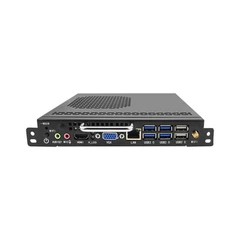
If you're using a card reader, barcode scanner, or other peripheral devices, make sure they are properly connected and functioning. A loose connection or a faulty device can prevent the kiosk from performing its intended tasks. You can test these devices by using them with a different system or by running diagnostic tests provided by the manufacturer.
5. Review the Network Connection
A stable network connection is crucial for most kiosks, especially those that rely on cloud - based services or need to communicate with a central server. Check if the kiosk is connected to the network. You can do this by looking at the network indicator lights on the kiosk or by trying to access a website or an online service through the kiosk's browser.
If the kiosk is not connected to the network, check the network settings. Make sure the Wi - Fi password is correct or the Ethernet cable is securely plugged in. If you're using a wired network, check if there are any issues with the router or the network switch. Sometimes, a simple restart of the router can solve the problem.


6. Check for Overheating
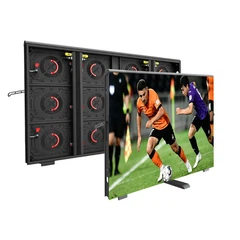
Overheating can cause a kiosk to slow down or even shut down. Check if the kiosk's fans are working properly. You can usually hear the fans running when the kiosk is on. If the fans are not working, it could be due to a blocked air vent or a faulty fan motor.
Make sure the kiosk is placed in a well - ventilated area. Avoid placing it in direct sunlight or near heat sources. If the kiosk is overheating, you might need to clean the air vents or replace the fans.
7. Look at the Logs
Most kiosks keep logs of their activities. These logs can provide valuable information about what's going wrong. Check the system logs to see if there are any error messages or warnings. The logs can tell you if there are problems with the hardware, software, or network.
Some kiosk management software also allows you to remotely access the logs. This can be very useful if you're trying to troubleshoot a kiosk that's located in a different location.
8. Seek Professional Help
If you've tried all the above steps and the kiosk is still not working, it might be time to seek professional help. As a Kiosk Self Service supplier, we have a team of experts who can diagnose and fix complex problems. We can also provide you with replacement parts and software updates.
If you're interested in our Informational Kiosk, 32 Inch Information Kiosks With Luminous Logo, or Self Service Kiosk 32 Inch, or if you have any questions about troubleshooting or maintenance, don't hesitate to reach out. We're here to help you get the most out of your kiosk self - service solutions. Whether you're a small business or a large corporation, we can provide you with the right products and support to meet your needs. Contact us today to start a discussion about your kiosk requirements and let's work together to find the best solution for you.
References
- General knowledge from years of experience in the Kiosk Self Service industry.
- Manufacturer's manuals and documentation for various kiosk models.


