











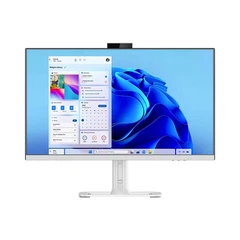
Publishing via mobile phone, suitable for control cards that support Wi-Fi mobile phone publishing:
Steps:
First, create new content on your mobile phone using the software provided with the LED display.
Connect your mobile phone to the display controller.
Send commands from your mobile phone to replace the existing content.
Advantages: Convenient, no need for frequent computer connections.
Connecting to computer via serial cable:
Steps:
Connect the LED display to your computer via a serial cable.
Create a new file or open an existing file on your computer, and set the screen parameters using the display control software (usually a password is required (passwords include 168 666888 admin 888, etc.)
Select subtitles and edit them precisely. Click "Send" to update the new content on the LED display.
Advantages: Real-time preview and editing, suitable for scenarios requiring fine-tuning.
Using USB flash drive (compatible with USB flash drive cards):
Steps:
Similarly, create new content on your computer using the software provided with the LED display.
Save the settings and content to a USB flash drive.
When you need to change the program, simply insert the USB drive into the LED display screen to directly change the content.
Advantages: Simple operation, no need for real-time computer connection.


